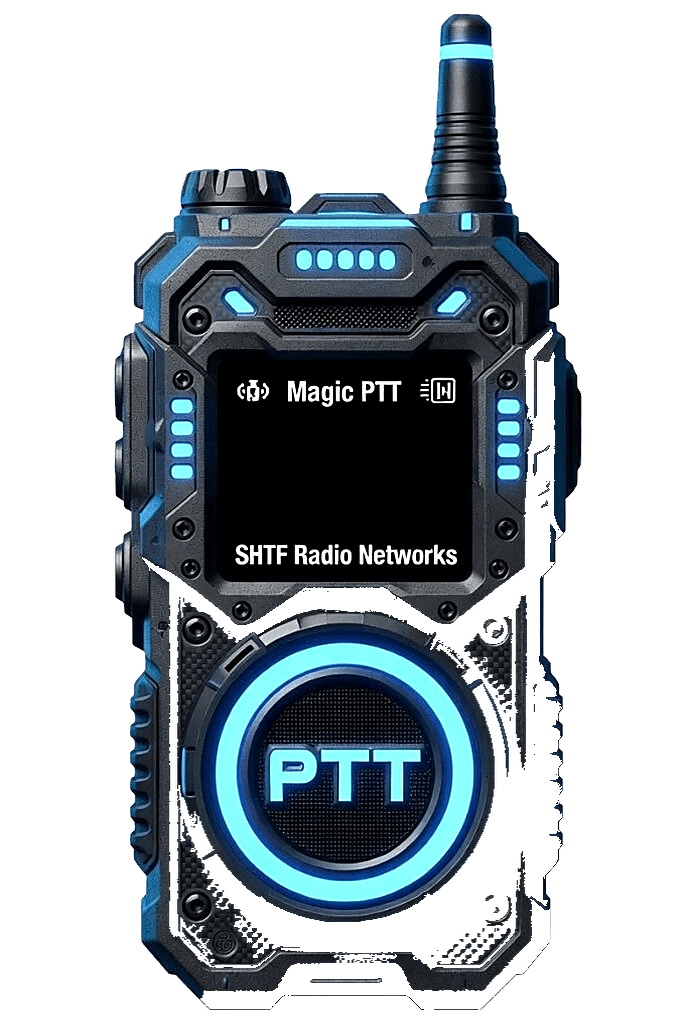
Instant browser PTT
Tap and hold to talk from any modern browser — no installs, no radio programming. Open the page and key up.
Magic PTT drops you on the air from any phone or computer — tap, hold, and talk. Use the browser, the Android app (open beta for approved members), or iPhone TestFlight (approved members). Listen on the SHTF repeater, jump into internet channels with no license, or spin up your own private Magic Room.
Android & iPhone native apps
You must sign in on the phone you want the app on. Approved members install Android from Settings → Phone apps → Download APK on that phone — no apply or invite. iPhone TestFlight still uses apply from Settings; install the invite on the same iPhone after approval.
Anyone can listen. Talk free on internet channels with your callsign or a Magic PTT ID. A verified ham or GMRS callsign is only required to transmit on RF or repeater-linked channels.
Sign in or create an account to join the net.
Features
Tap and hold to talk from any modern browser — no installs, no radio programming. Open the page and key up.
Anyone can join and talk on internet-only channels — no license required. No ham or GMRS? Magic PTT gives you a random MP-* ID for the air. A verified ham or GMRS callsign is only needed to transmit on RF or repeater-linked channels.
Spin up private rooms in seconds. Invite people by search, email, or a scannable Magic Tag QR, and promote moderators to help you run the room. Encrypted My Room is an admin-beta option when a net needs a room Magic PTT cannot hear.
A hands-free open-mic mode for your rooms — everyone can talk at once, like a conference call (headphones required).
See live captions of what's said, translated into your language, on channels where it's enabled.
Send room chat and photos alongside voice. Star someone into Magic Book, then open a 1:1 Message from their card.
Sign in on the phone you want the app on, open Settings → Phone apps, then install the Android APK or apply for iPhone TestFlight on that same device when approved. Applying from a computer will not put the app on your phone.
Our production Nexus audio engine delivers clear, reliable transmit and receive across the whole network.
Your contact book. Star someone on Operators to save them, or confirm a two-way key. Hams get a Logbook with ADIF export; GMRS and MP-* members get Contacts. Message from a station card.
The radio stays center stage. Operators, Nexus Grid, Channel Scan, World Net Clock, Weather alerts, and the rest float as glass cards you drag, Hide, or turn off in Settings.
On a computer, official warnings for your ZIP or postcode sit as a Storm Watch glass card — NWS in the US, Meteoalarm for the UK and much of Europe. Drag it, Hide it, or turn it off in Settings.
Create your account or sign in on the phone you want the app on, open Settings → Phone apps, then install the APK or TestFlight invite on that same device when approved.